

Photoshop’s Text tool is not just for writing simple texts. Rather you can make dazzling text effects out of it by using the discrete typography. Yes today you are going to believe this truth that we can create a masterpiece using Photoshop’s Text Tool (and layers tool as well). Before we move on to the Dazzling Photoshop Text Effects Tutorials, let me tell you something about typography. Typography is one of the most important aspects, not only in websites, but also in the designs, artworks and every kind of print media and digital media. Typography takes your designs to the next level.
What professionals do is that they never tune out the typography as far as their designs are concerned. Typography is nothing but the art that requires typefaces, leading (i.e. line spacing), kerning (i.e. adjustment of distance between pairs of alphabets), tracking (i.e. adjustment of distance between groups of alphabets), line-length and point size.
What professionals do is that they never tune out the typography as far as their designs are concerned. Typography is nothing but the art that requires typefaces, leading (i.e. line spacing), kerning (i.e. adjustment of distance between pairs of alphabets), tracking (i.e. adjustment of distance between groups of alphabets), line-length and point size.
Now as you understand, what typography is and how important it is? Let’s proceed to the Dazzling Photoshop Text Effects Tutorials. And I hope that after reading these tutorials, you will add some extra knowledge into your creative brain.
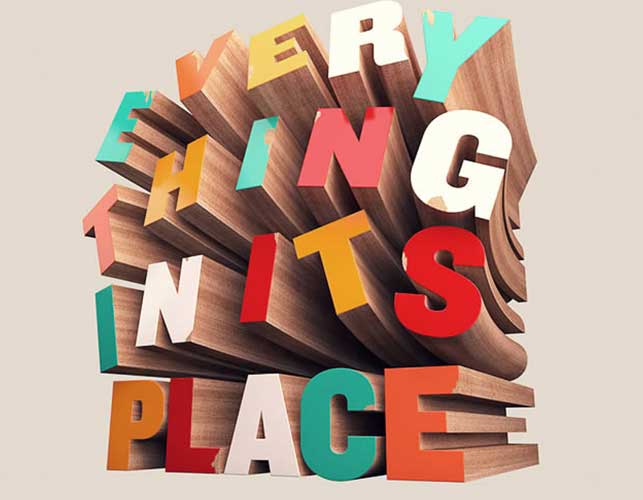
In this tutorial, you will learn how to use Cinema 4D to create wooden 3D text and then how to use Photoshop to add the final touches.
In this Etc Tutorial you will learn to create a grungy rusted carbon fiber text effect.

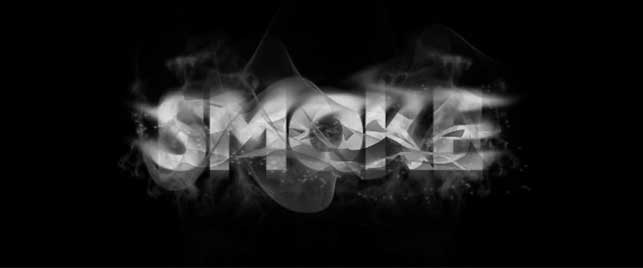
Create Smokey Typography in just 12 Steps.
In this tutorial, Eren Goksel shows you how to create 3D Blocks text effect in Photoshop

This tutorial will explain you how to create delicious frosted cookies text effect.

In this tutorial you’ll learn to create a cool looking 3D Style text effect.
In this quick tip tutorial you will learn how to create a shiny, gold, old world text effect using layer styles in Photoshop.

Create a realistic wooden 3D text image

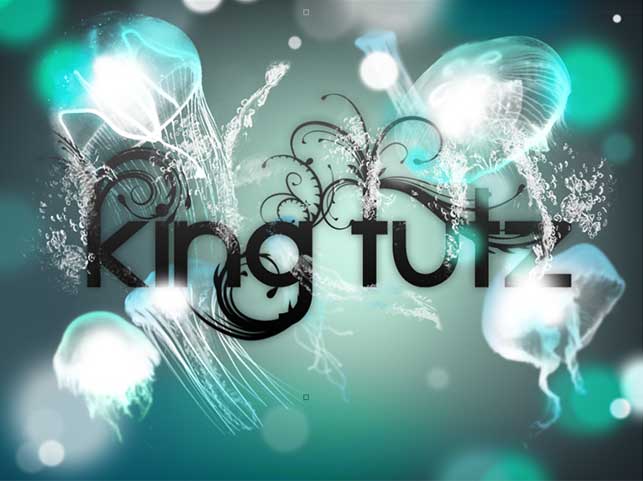
Create a soft background with glowing jellyfish with this tutorial.
You will learn how to create a glass text effect using layer styles in Photoshop
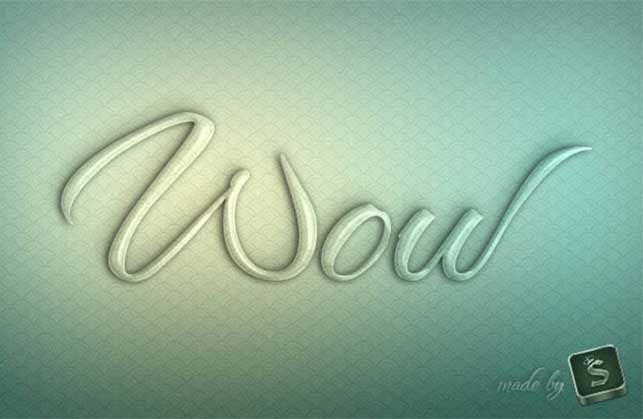
Create a magma hot text effect using layer styles and textures in Photoshop.

This tutorial will show you how to change text from 2-D to 3-D and give it some realistic effects.
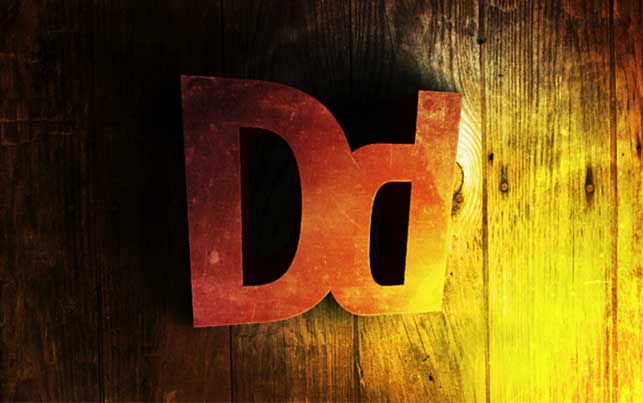
Create “Clock Up” Wallpaper in Photoshop.

Beer Text Photoshop Tutorial

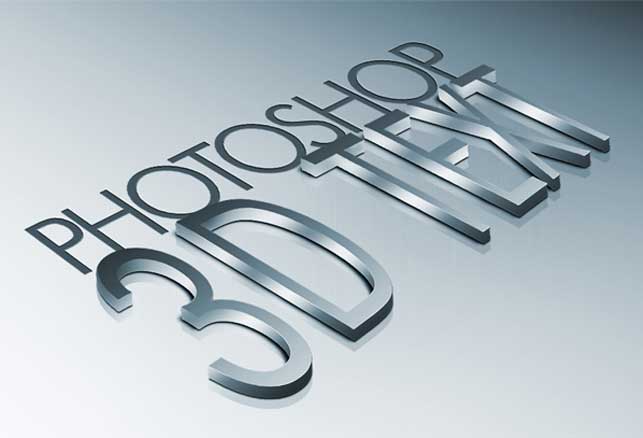
You will learn how to create 3D text and give it a high-quality metal look using Photoshop in this tutorial.
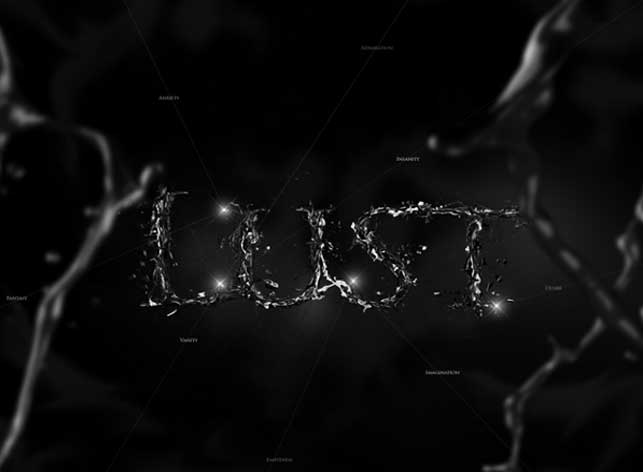
Learn how to make destructive lettering text effect with an awesome dramatic splash effect.
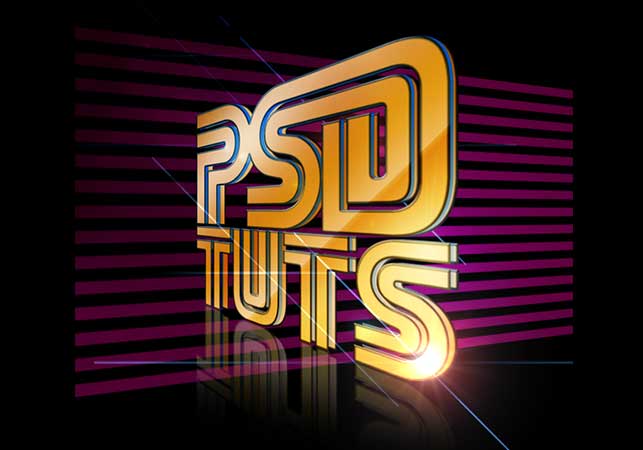
This tutorial shows you how to use the Perspective tool to create depth and design a stylish retro text effect.
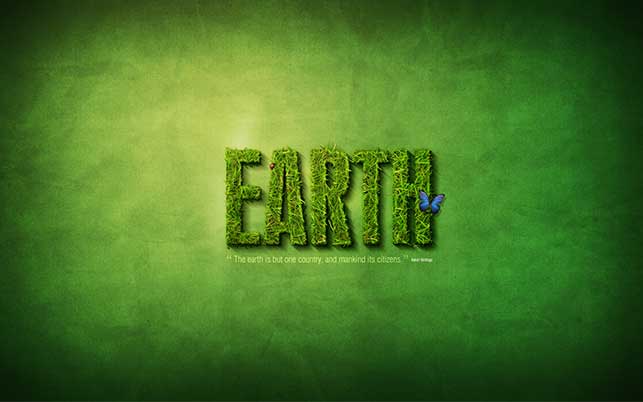
In this tutorial you will learn how to create a rather cool-looking grass text effect.
This very connected to real world. Learn how to make graffiti with Photoshop.

You can design your own typography wallpaper from now on.
A very Nice Collection of photoshop brushes