• Skip to primary navigation
  • Skip to main content
  • Skip to primary sidebar
  • Skip to footer
Web Designer Pad

Web Designer Pad

Web Design Blog, Trends, Tips, Tutorials and More...

  • Articles
  • Tools
  • Inspiration
  • Tutorials
  • Freebies
  • Coding
  • Resources

17 Useful CSS3 tutorials for designers

You are here: Home / Coding / 17 Useful CSS3 tutorials for designers

June 26, 2013 By Akshay Joshi 2 Comments

Learning and using CSS3 is fun for many of us, right? And we all know that now a days CSS3 is becoming so much popular because of its amazing impact on the Internet Industry. With a great knowledge and power of CSS3 designers can make great deal of creative things and yup! Actually designers are creating Useful and creative things periodically. Therefore I have collected 17 Useful CSS3 tutorials for the web designers who are curious about Useful CSS3. You know what I believe that CSS3 is not only for the professionals but also for beginners. So go ahead and check the collection of this CSS3 tutorials out.

Useful CSS3 tutorials for designers

Apple-like Login Form with CSS 3D Transforms
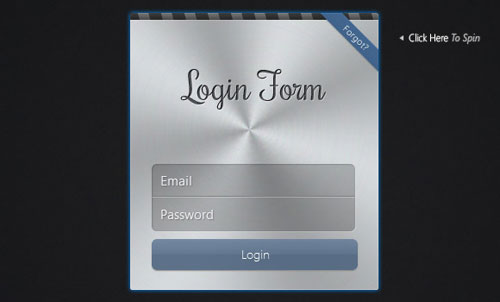
In this article we will see how we can use these 3D transforms to create flipping effect on an Apple form. In this tutorial there are two forms – login and password recovery visible at a time.

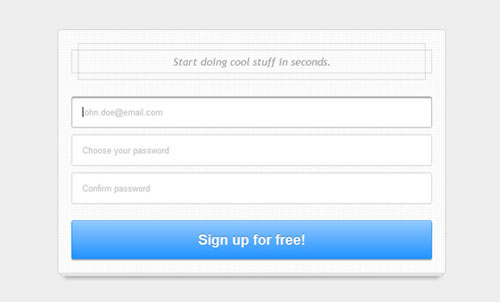
CSS3 Signup Form

In this tutorial we will see how to design a clean and attractive CSS3 signup form.

Login and Sign up Form with HTML5 and CSS3
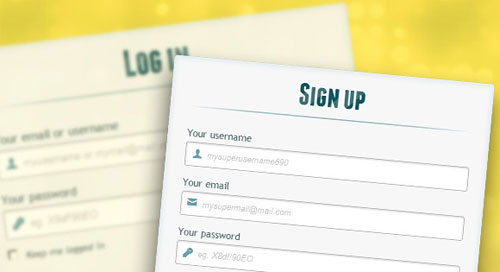
In this article we create two HTML5 forms that will switch among login and registration using the CSS3 pseudo class :target. These style it using CSS3 .

Quickly Build a Swish Teaser Page With CSS3

In this tutorial, We will build a teaser page using just CSS, no images or even a Photoshop design.

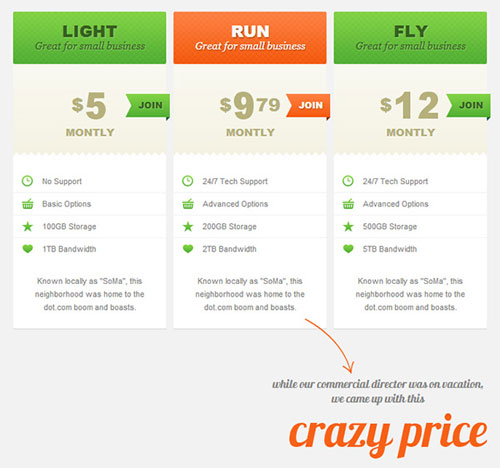
Create CSS3 Pricing Table

In this article we’ll see how to code & style CSS3 pricing tables from the Impressionist UI.

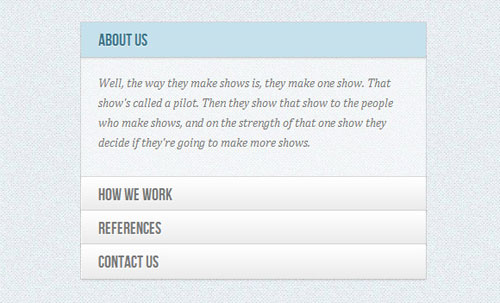
How to Create a Content Accordion in Pure CSS3
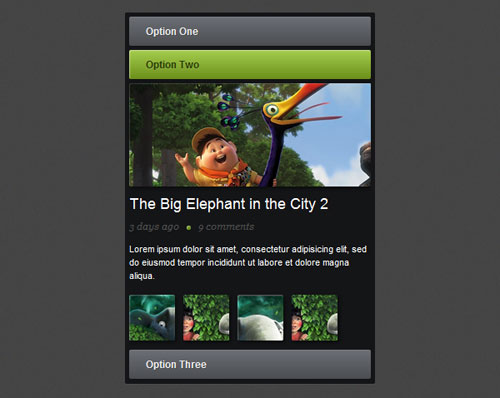
 
In this article we will learn how to create a pure CSS3 content accordion.

Accordion with CSS3

 
In this tutorial we will create a CSS-only accordion that will animate the content areas on opening and closing.

How to Create Accordion Menu in Pure CSS3
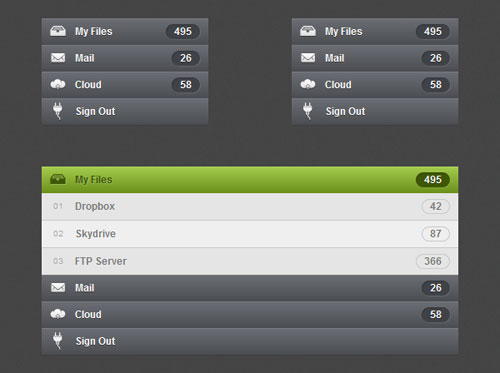
 
In this article we will learn how to create an accordion menu in pure CSS3. This will only work on browsers and devices that support the :target pseudo-class selector.

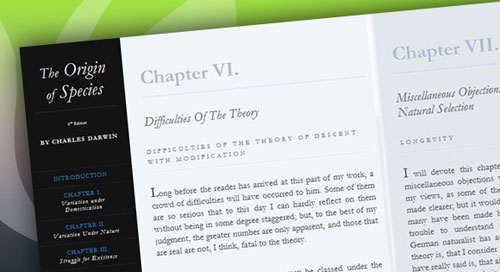
Making an Impressive Product Showcase with CSS
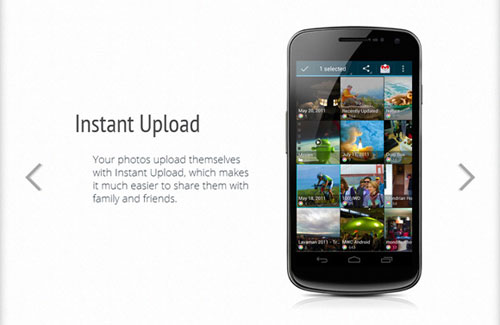
 
A product page is any page on your website that showcases a product. It has to describe its features, give some screenshots, and be descriptive.

How to Create a Stylish Image Content Slider in Pure CSS3
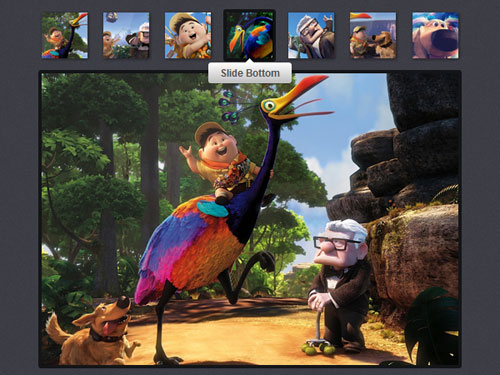
 
In this article we will create a CSS3 image slider inspired on the Futurico User Interface.
 

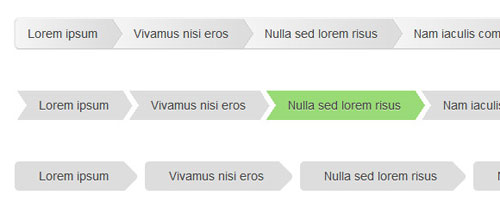
CSS3 Breadcrumbs

 
In this article we will see how breadcrumb navigation allows users to know where they are in a hierarchical structure & navigate back to higher-level pages in the hierarchy.

Animated Content Tabs with CSS3

 
In this article we are going to implement some simple CSS3 content tabs using radio buttons together with the :checked pseudo-class and sibling combinators.

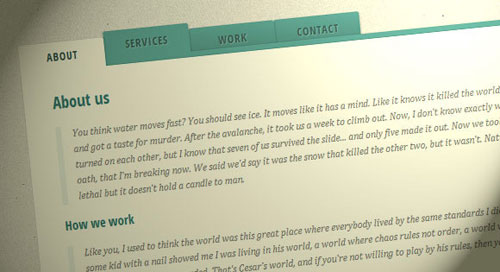
Responsive Horizontal Layout

 
In this tutorial we’ll create a horizontal website layout with separately scrollable content panels. We’ll change the layout for more modest screens, making it responsive.

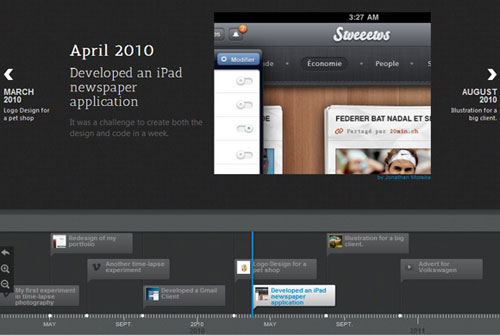
Timeline Portfolio 

Timeline is a jQuery plugin specialized in showing a chronological series of events. You can implant a wide range of media including tweets, videos and maps, and associate them with a date.

How to Create CSS3 Buttons

In this tutorial we will be make some cool CSS3 buttons. They depend on the Futurico User Interface and we will try to make a precise copy of them.
 

How to Create a CSS3 Dropdown Menu
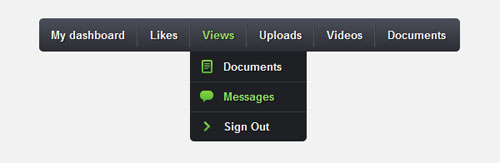
In this tutorial we will code in pure CSS3 the Navigation Menu that you can find in Impressionist UI.

Responsive Content Navigator with CSS3
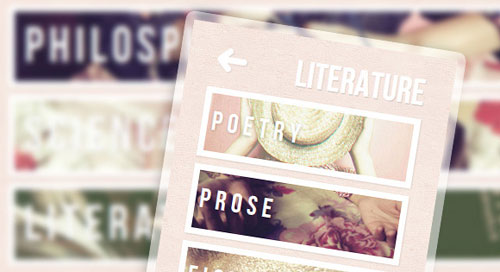
Today we’ll see how to create a content navigator with CSS only. The idea is to have several slides or content layers that we’ll show or hide using the :target pseudo-class. With CSS transitions we can make the slides appear in a fancy way. We’ll also make the whole thing responsive.

Filed Under: Coding, CSS3, Tutorials

Reader Interactions

Comments

  1. Muhammad Sohaib says

    March 27, 2014 at 10:34 am

    Great tutorials. Thanks for such a nice sharing 🙂

    Reply
  2. Akshay Joshi says

    October 27, 2014 at 5:29 pm

    Thanks for your valuable comment

    Reply

Leave a Reply Cancel reply

Your email address will not be published. Required fields are marked *

Primary Sidebar

Need Web Hosting?

Bluehost

Drive Insane Traffic To Your Website

Insane_Traffic

Footer

Let’s Connect

  • Email
  • Facebook
  • Twitter

Pages

  • About Us
  • Advertise
  • Contact Us
  • Privacy Policy
  • Write for us

Didn’t Find What You Need?

Stay Updated


Copyright © 2025 All Rights Reserved by Web Designer Pad